Welding machine repair software
Welder repair shop software for workshops fixing stick inverters, MIG/MAG, TIG and plasma cutters: promised dates and rush jobs, quotes approved before expensive parts go in, power semiconductors in stock, fabrication shops and crews as customers.
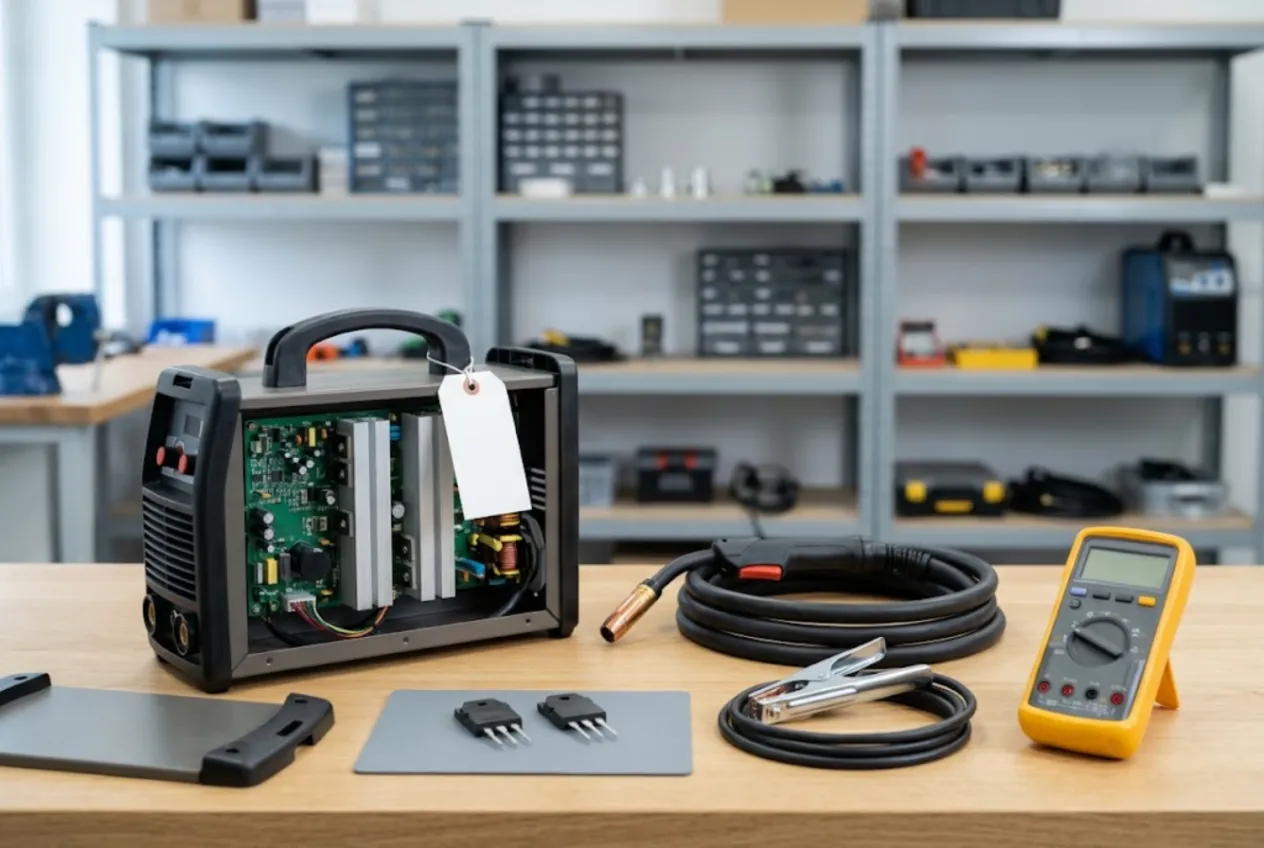
ServiceCenterSoft is job-tracking software for workshops that repair welding equipment: stick (MMA) inverters, MIG/MAG machines, TIG units, plasma cutters, plus torches, leads and wire feeders. It keeps track of what came in, what is promised for when, what the customer approved and what parts you have left. It runs in the browser on a PC or a phone.
Who this is for
A small repair shop, often one or two technicians, sometimes attached to a welding supplies counter. The customers are fabricators, farm workshops, maintenance departments, contractors and hobby welders. For most of them a broken welder is not an inconvenience but lost billable hours, so “when will it be ready?” comes before “how much?”.
What usually goes wrong is not the repair itself but everything around it:
- a job promised for Thursday that nobody remembers on Thursday;
- a quote given over the phone for an IGBT swap, then the driver board turns out to be dead too;
- at pick-up: “there was a ground clamp with it”;
- the last power module used up on a hobby machine while a contractor’s unit waits.
The general side of a tool repair shop — business accounts, batches of identical tools, brushes and armatures — is covered on the power tool repair page. This page is about what makes welders different.
Promised dates you can see
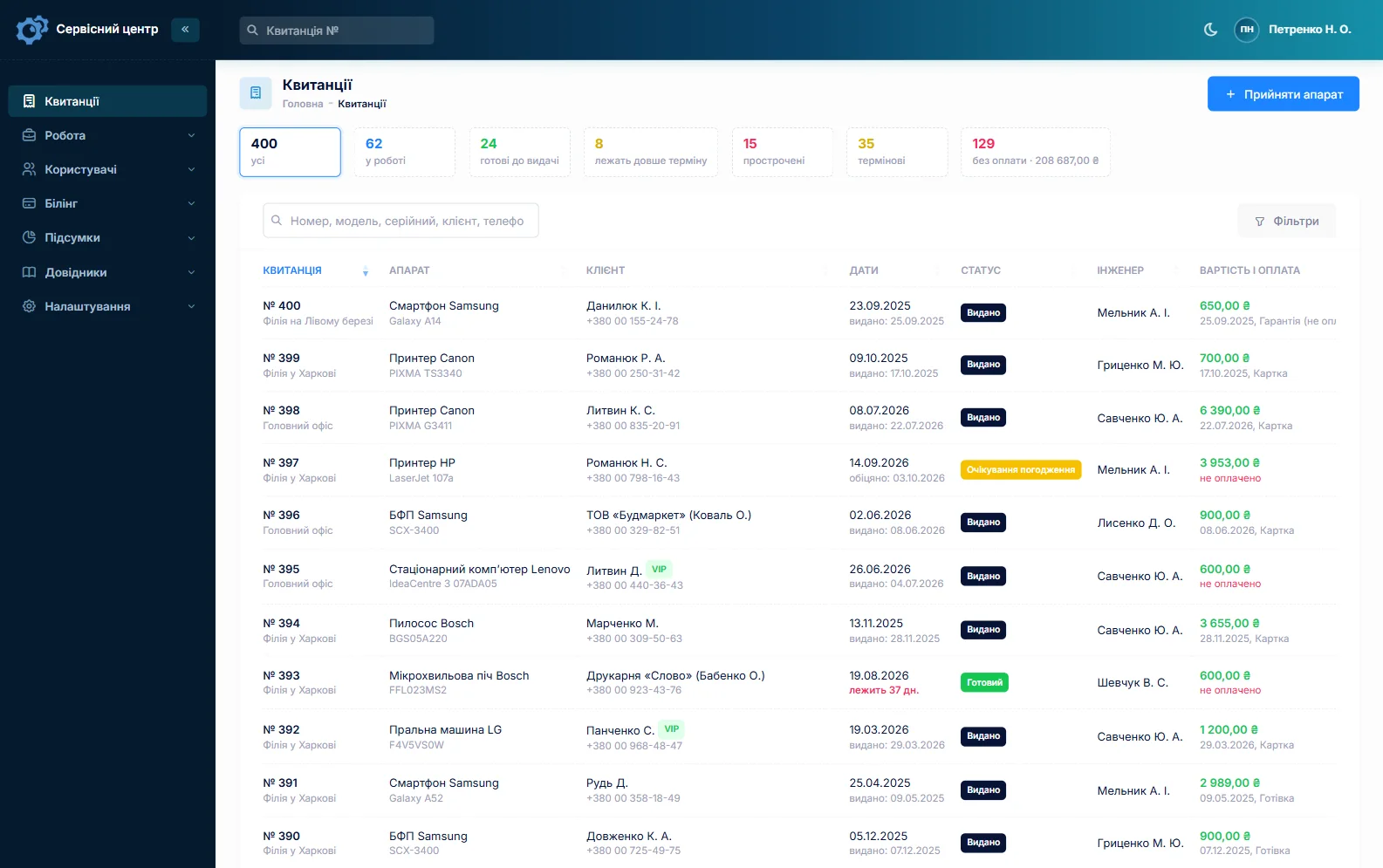
Every job has a promised date. Once it passes and the machine is still on the bench, the row turns red, and the “overdue” filter lists all of them. A rush flag marks the crew that is standing idle; the “urgent” counter above the list tells you how many there are right now. Filter by technician to see who has what.
Statuses are yours to define. The starter set already includes Diagnostics, Waiting for parts, Waiting for approval, Repair declined and Beyond repair.
Check-in: the welder and everything attached to it
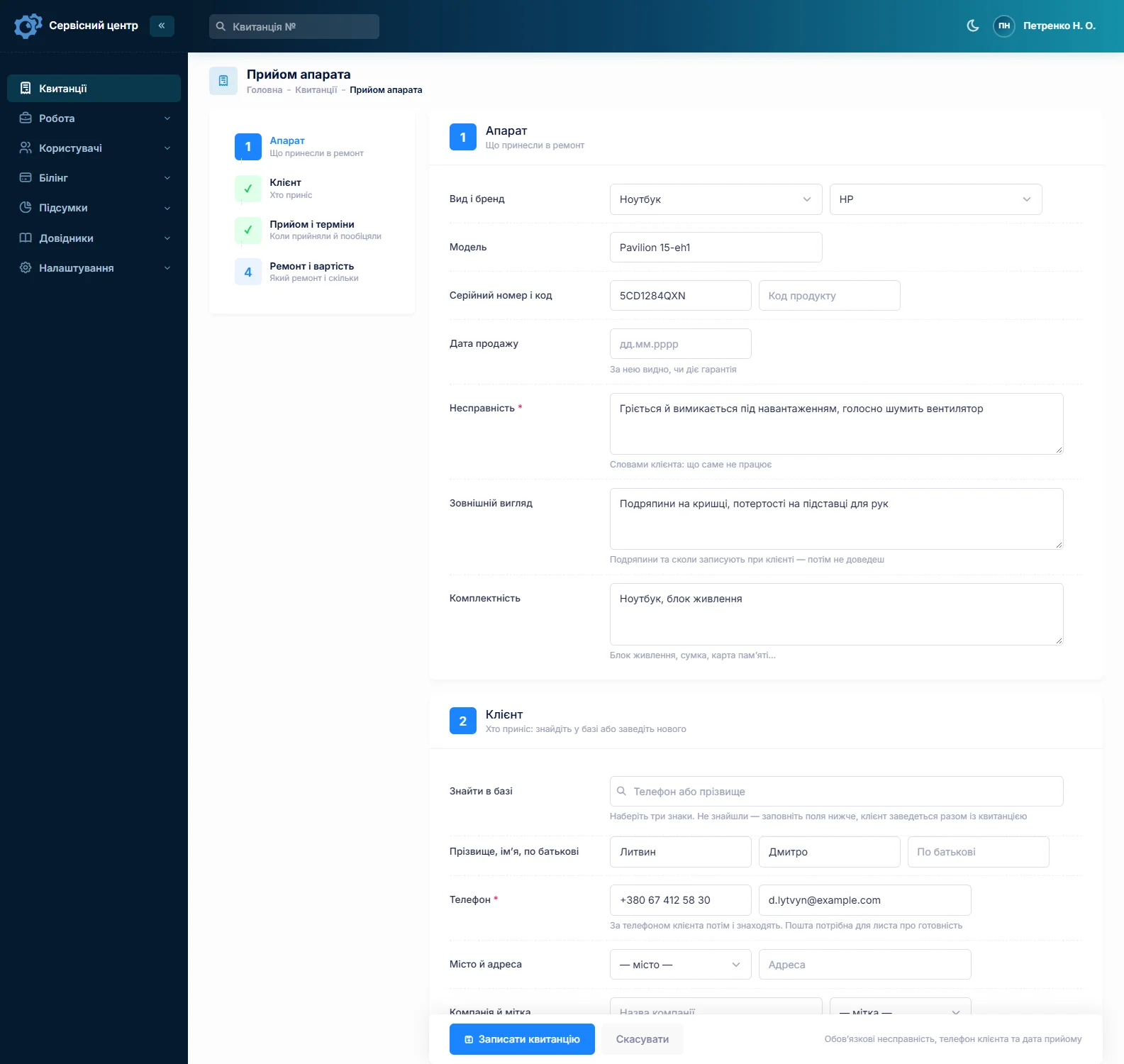
A MIG machine rarely arrives alone: torch, work lead and clamp, gas hose, regulator, sometimes a spool still in the feeder. The accessories field is filled in with the customer at the counter and printed on the job ticket they sign. The condition field takes the rest — cracked case, melted connectors, heat marks, metal dust packed in the vents. Model and serial number have their own fields and are searchable, even by part of the number.
You cannot attach photos to a job. If you take pictures at check-in, keep them on your own phone or drive and note on the ticket that they exist.
Blown IGBTs: quote first, parts second
The classic expensive repair is a failed power stage — IGBTs or MOSFETs gone after a supply spike, a weak generator or overheating. It rarely stops there: gate driver, rectifier bridge, electrolytic caps, sometimes the control board. Each step adds to the bill, and on a budget inverter the total can approach the price of a new machine.
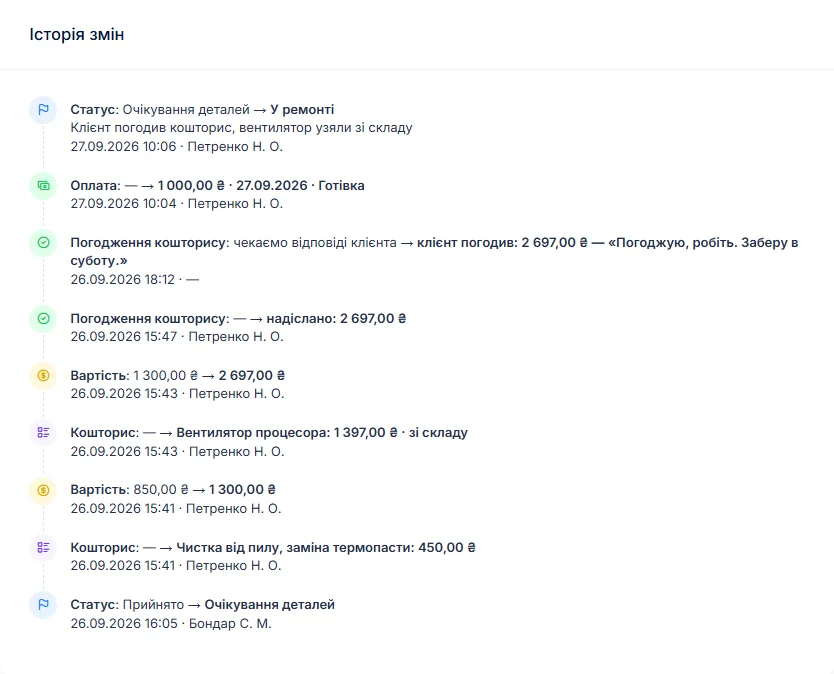
So the technician writes the findings into the work log and builds a quote line by line, from your list of labour items and from stock. One click sends it by email or Telegram; the customer opens the link, sees every line and the total and taps Approve or Decline. The answer and date go into the job history. Find something else on the bench — add a line and send it again.
If you charge for diagnosis, set the diagnosis price per machine type (stick inverter, MIG, plasma) and switch the job to “diagnosis only”. Declined repairs are closed with their own status and show up separately in the period report.
Power semiconductors and torch consumables
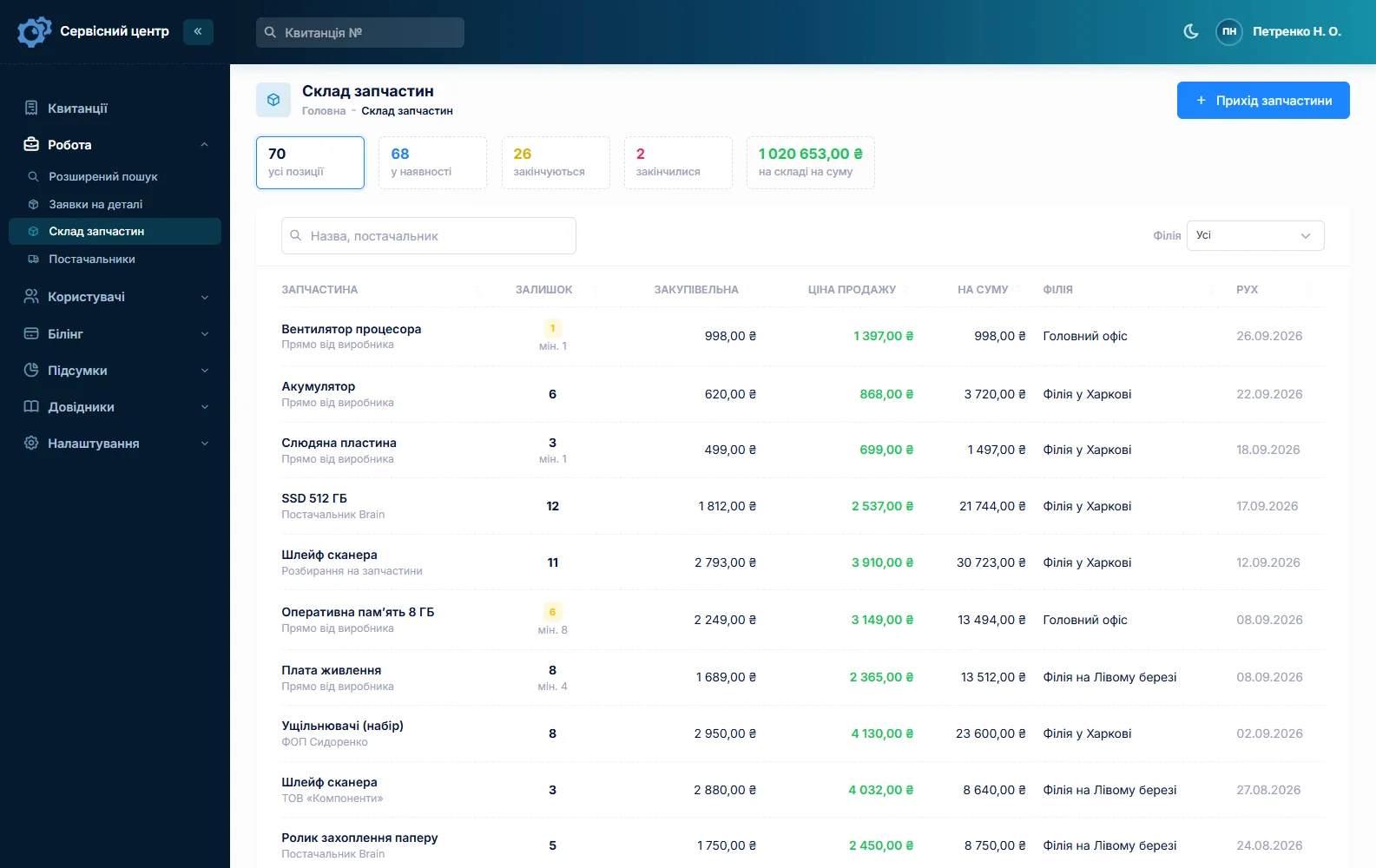
Stock is a movement log: goods in with cost and supplier, parts used as quote lines, write-offs with a reason, stocktake. The on-hand quantity is calculated, not typed. Give your fast movers — IGBTs, MOSFETs, rectifier bridges, capacitors, fans, thermal switches — a minimum level, and the “running low” list becomes your next order. Contact tips, nozzles, liners and diffusers are tracked the same way, in whole units.
When a part is missing, create a parts request from the job and email it to the supplier; mark it received and book it in when it arrives. There is no barcode scanning and no supplier catalogue integration. More on spare parts tracking.
Fabrication shops and crews as customers
A customer record has a Company field, so the fabrication shop is one customer no matter who drops the machines off. The customer card lists every job, the total and the open balance. Three MIG machines at once: fill in the first job, copy it for the others, and type in each serial number.
A welder back after your repair gets the repair type “Repeat repair”, and the serial number finds the previous job. A job can take several payments — a deposit for the power module, the rest at pick-up — and shows what is still due.
The printed completion form carries the work log, your recommendations and the amount due. The software does not issue tax invoices or do accounting.
Recommendations that stick
Many repeat failures come from how the machine is used: grinding dust inside, a long thin extension lead, an undersized generator, running flat out past the duty cycle. Write it into the Recommendations field — it prints on the completion form and stays in the machine’s history for next time.
When a job is ready the customer gets an email or a Telegram message (they subscribe via the QR code on the ticket), and every finished machine shows how many days it has been waiting. There are no text messages and no app. See customer notifications.
What repairs typically cost
A rough guide only — it varies a lot by region, machine class and parts: clean-out and service around €40–90, power stage or rectifier replacement €90–250 including parts, control board repair €100–300, torch or lead repair €30–120. Industrial MIG and pulse TIG machines cost more. Your own prices go into machine types and quote lines.
What it does not do
- no photos or file attachments on jobs;
- no text messages, no mobile app, no online payment by the customer;
- no inspection or calibration schedule with due dates;
- no loaner pool — a loan machine can only be noted on the job.
Pricing
One price for the whole shop, with no charge per user or location.
Monthly
Paid every month, cancel whenever you like.
Yearly
Cheaper than paying monthly. Invoice or card payment.
Custom work
Changes tailored to the way you work — hourly, by agreement.
Off-the-shelf not enough — your own forms, roles, reports or workflow? We will build a program for you. How it works
Try it without signing up in the demo: book in a MIG machine with its torch and regulator and send a quote for approval.

We are very happy working with servicecentersoft.com: they built everything we asked for, even though our request was unusual, since we deal with medical devices. Everything was done precisely and on the agreed schedule. Thank you for the cooperation — we keep working together.

I tried the ServiceCenterSoft demo and came away with a good impression. The program is simple and easy to understand, yet it has everything you need for the job: customers, repairs, devices, spare parts, statuses and statistics.
I especially liked the dark theme and the responsive design — working from a phone is perfectly comfortable. Another plus is the instant search that works as you type, so you don't have to press a separate "Search" button every time.
You can tell the program was built specifically for service centers rather than being a generic CRM adapted for the repair business. The interface has no unnecessary frills; everything is logical and to the point.
A good, practical tool for the day-to-day work of a service center.

I liked that you get a free 14-day trial and that they are willing to handle my special requests — setting things up exactly the way I need them.
I also liked how payment works. You can simply pay the monthly fee by card online — basically the same as a regular Spotify subscription or any other service. No separate contracts to sign and no invoices to pay manually.
And there's no feeling of strict limits on the number of employees. One service center is one account, and inside it you can organize the work of your technicians and run several branches.
For me this is far more convenient than plans where you have to pay for every single user or keep counting how many employees are working today.

My business is fairly specific, so the program's standard features weren't enough — I needed my own custom fields, my own sorting options and search by additional parameters. The work completion certificate and the printed repair receipt also needed some changes to fit the way we work.
I contacted technical support. To be honest, I expected changes like these to take a long time, but everything was done within a single day. The team quickly understood exactly what we needed, suggested the right solution and did everything properly.
I'd especially like to mention the support: they get straight to the point, with no unnecessary bureaucracy, and they genuinely help instead of just sending you off to read the documentation.
For me this is a big advantage of the program: it isn't just sold "as is" — it can be adapted to how you actually work. Thanks to the team for the quick response and for treating the customer right.
Highly recommended!
In short
- Promised dates, rush flags and red overdue rows.
- Accessories recorded at check-in and signed by the customer.
- Line-by-line quotes approved by link before expensive parts go in.
- IGBTs, bridges and torch consumables in stock with a “running low” list.
- Business customers with all their jobs and open balance in one card.
- €20 a month for the whole shop.
See also
Software for home appliance service
Contents recorded at intake, warranty at the brand price list, callouts, slow parts and partner shops.
Read morePhone repair shop software
Intake in a minute, screens and batteries tracked, a ready-for-pickup email, output per technician.
Read moreTV repair software
For a workshop repairing TVs and monitors: diagnosis and price approval before ordering a panel, a description of the screen at intake, and refusals that do not turn into disputes.
Read moreSee how it works
The demo is open — go in and try it. Ask us anything by email, Telegram or the form on this site.