Customer notifications when a repair is ready
A ready email and a Telegram message with branch details in the customer's language, plus a portal where they check the status themselves.
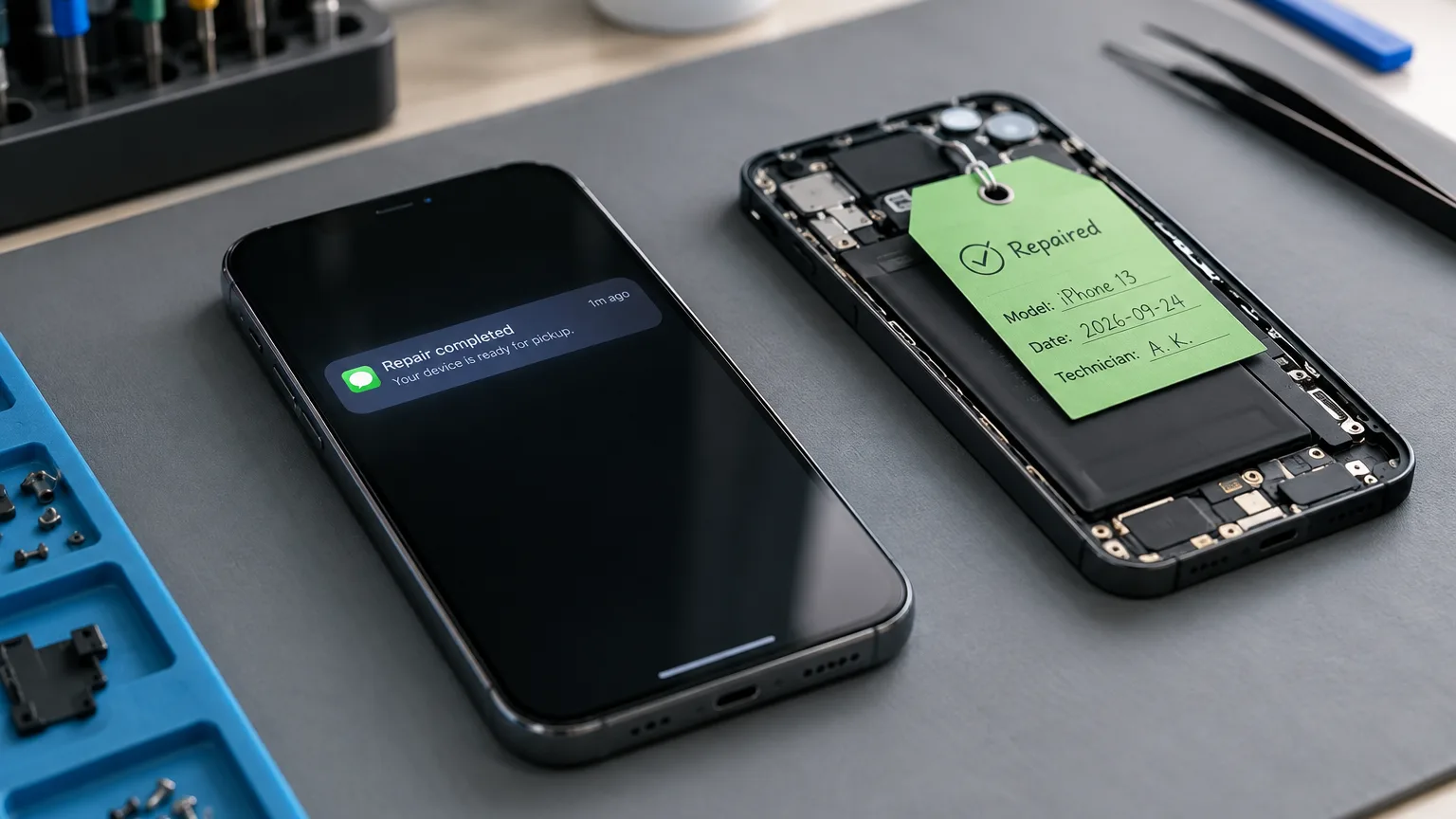
"Any news on my phone?" calls are the most expensive thing in a repair service: they pull a technician away from the bench and add nothing. ServiceCenterSoft closes them three ways — a ready email, a Telegram message, and a portal where the customer checks their own repair.
What those calls actually cost
Do the sum for your own shop. Thirty devices in progress, every third customer calls at least once, and a call with looking up the job takes three minutes. That is half an hour a day, fifteen hours a month. Not on repairs — on "not yet".
Worse, they do not call when it suits you. They call when a technician is holding an opened device and the front desk is booking somebody else in.
The ready email
When the repair is finished, a button on the job sheet sends the customer an email. It contains the job number, their name, which device, the amount due, and the branch name, address, phone and opening hours — everything needed to come and collect without calling back.
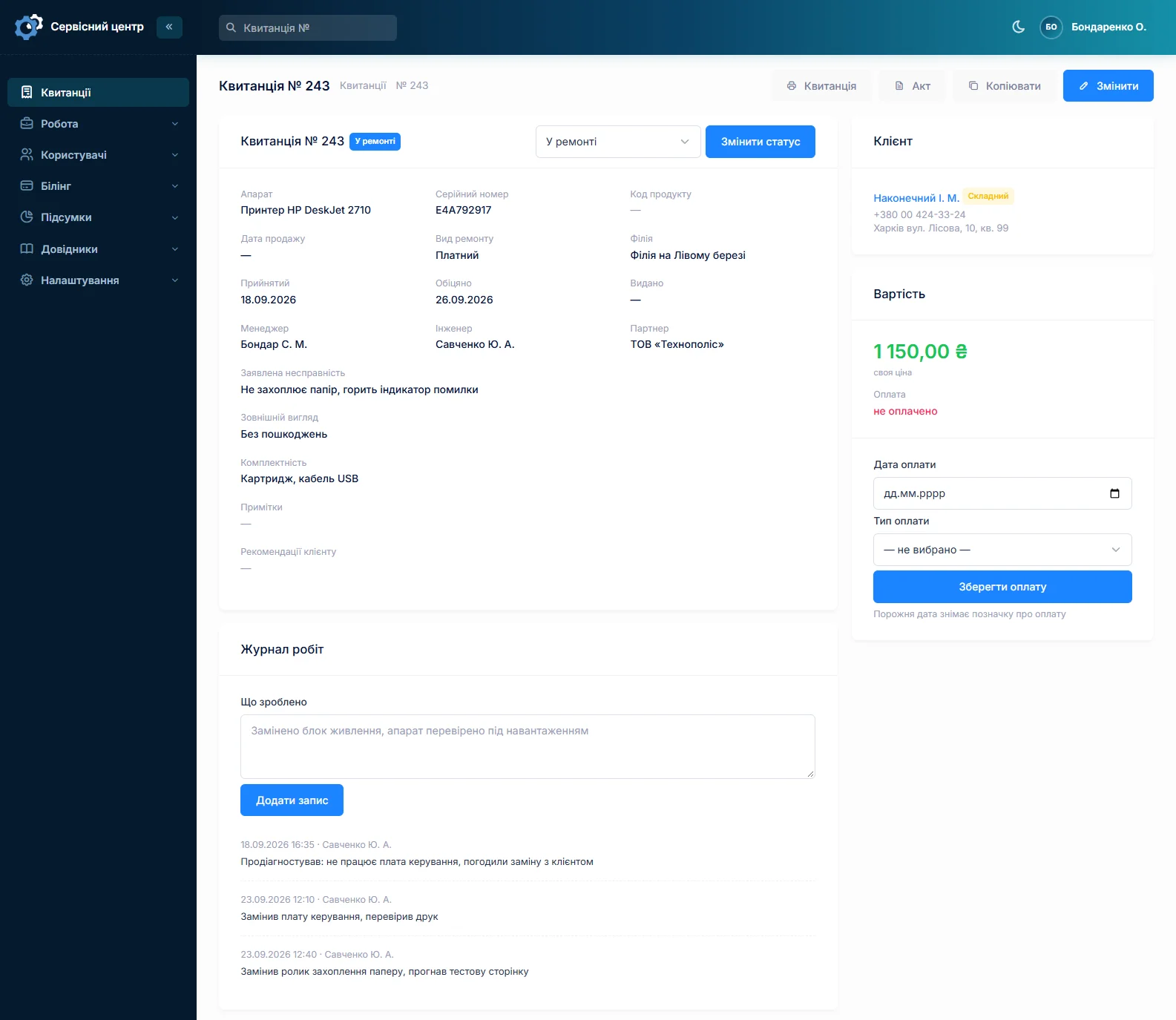
The email goes out on a button, not by itself when the status changes. That is deliberate. To a technician "ready" often means "assembled, still needs testing", and an automatic email at that moment brings the customer in an hour too early. The button gets pressed when the device can really be handed over.
A Telegram message: a QR code on the ticket
Not everyone reads email, but people open Telegram ten times a day. So the intake ticket carries a QR code captioned "Get a Telegram message when it is ready". The customer points their phone camera at it, taps "Start", and the bot replies that they are now subscribed to repair number such-and-such.
From then on it works like the email: when the device is ready, you press the same button on the job sheet. If the customer has an email address, the email goes; if they subscribed in Telegram, the message goes; if both, both. The message has your service name, the job number, the device, the amount due, and the branch address, phone and opening hours.
Worth knowing up front. Messages come from the shared ServiceCenterSoft bot, not from a bot named after your service — your name is in the message text. There is nothing to set up: the QR code appears on the ticket by itself. The bot cannot message a customer first — that is how Telegram works — so without the QR code and the "Start" tap there will be no messages. And for now the bot only reports that the device is ready, not every status change.
The customer's language, not yours
The language of documents and emails is a separate setting, unrelated to the language your staff work in. A service opened by Ukrainians abroad keeps records in Ukrainian and writes to the customer in German. Four languages are ready: Ukrainian, Russian, English and German.
You edit the wording yourself, to match your tone and your collection terms.
You can resend — but not twice in one day
A customer may have missed the email, and sending it again is reasonable. But the software will not send the same email twice on the same day: protection against a double click and against two employees "reminding" the same customer in turn. Tomorrow it will go.
The mail log: what went out and what did not
Every email is kept: to whom, when, for which job, with what text, and how it ended — sent or failed. If it failed, the reason is right there: a typo in the customer's address, the server did not answer, the mail settings are empty.
That matters more than it sounds. The worst notification is the one you believe was sent but never was: the device sits there, the customer says nothing, and both sides are sure they are waiting for the other.
Honestly: the software does not know whether the customer opened the email. There is no read receipt.
The customer portal: they look whenever they want
The repair customer has their own login. They see only their own repairs and read-only: no sections of the software, no other people's jobs, nothing they can change. The status, the device and what is happening to it are visible.
For long repairs this works better than any email: people check for themselves when they get anxious, instead of ringing.
You hand out the access: a login and password are set on the customer's record. Not to everyone — usually to those who bring devices in regularly: partner shops, landlords, neighbouring services. Password guessing is rate-limited the same way it is for your own staff.
Who has been told but has not come
Notifying is half the job. The other half: the device is ready, the email went out, and nobody has collected it for three weeks while it takes up shelf space.
The job list has a quick filter for "ready for pickup": everything finished but not yet handed over. One click and you see who to ring today, and how much of your shelf is other people's hardware. The ready date is right there, so you can see exactly how long each one has been sitting.
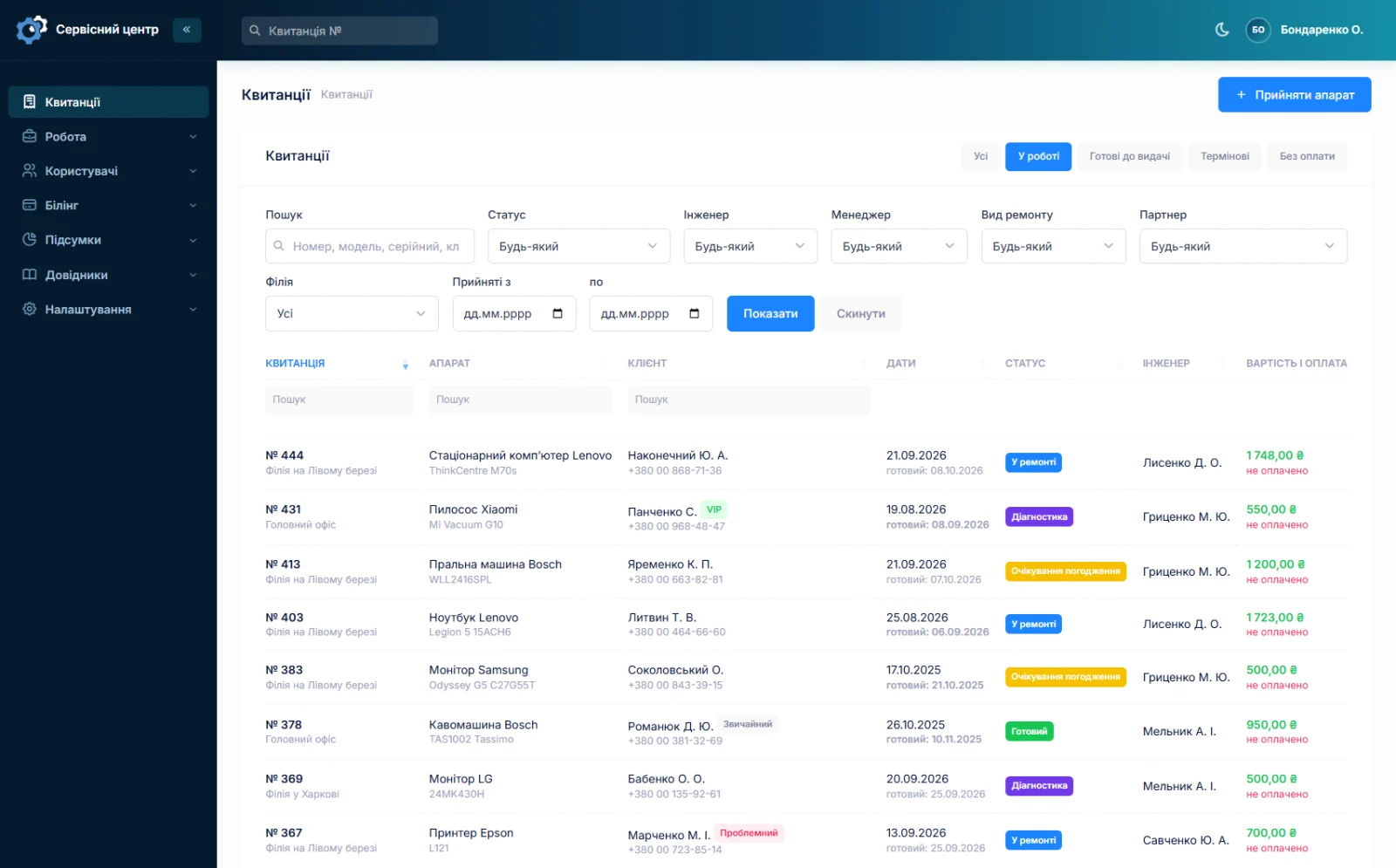
The "ready" flag is not set by the software but by you: in the status list you mark which of your own statuses means "the customer can be called". The other special one is "closed": it fills in the handover date by itself once the device is finally collected.
The supplier email is a notification too
The same mechanism works in the other direction. A parts request can be emailed to the supplier from inside the software: you see the text and can edit it before sending, and the software records when it went (about parts requests).
Why there is no SMS
Plainly: the software does not send SMS and will not. SMS cost money per message, while email and Telegram are free. Instead of SMS we built Telegram: people open it more readily than a text from an unknown number.
We say this on the notifications page on purpose. Discovering a missing feature after paying is worse than reading about it beforehand.
What to set up once
- Mail. You do not need a mail server — emails go through ours. In the settings you set the sender name and the address where customer replies should arrive, and a "test email" button shows it works before a live customer finds out it does not.
- The customer's address. If there is neither an email on the record nor a Telegram subscription, the software says so when you try to send: "nowhere to notify".
- The wording. The default works out of the box, but it is better rewritten in your own words.
- Telegram. Nothing: the QR code prints on the ticket by itself. Just ask the customer to scan it while they are still at the counter.
What you get
- A ready email with the amount, the branch address and opening hours — no call-back needed.
- A Telegram message on the same button — the customer subscribes by scanning the QR code on the ticket.
- An email and message in the customer's language even if your staff work in another.
- Protection against a repeat email on the same day.
- A log that shows what failed to send, and why.
- A portal where the customer sees their own repair, read-only.
- An honest view of the limits: no SMS, no automatic sending, no read receipts, Telegram only for "ready".
What it costs
Notifications are part of the subscription. There is nothing extra to pay for emails or Telegram messages.
Monthly
Paid every month, cancel whenever you like.
Yearly
Cheaper than paying monthly. Invoice or card payment.
Custom work
Changes tailored to the way you work — hourly, by agreement.
You can see how it looks in the demo. Related pages: repair workflow and the repair intake form.
Frequently asked questions
Does the software send SMS?
No, and it will not: SMS cost money per message. Instead there are a free ready email and a free Telegram message, plus the portal where the customer checks the status themselves.
How does the customer get a Telegram message?
The intake ticket carries a QR code. The customer scans it with their phone camera and taps "Start" in the bot — that subscribes them to their repair. When the device is ready, you press the same button as for the email, and they get a message with the job number, the amount due and the branch address. It comes from the shared ServiceCenterSoft bot, with your service name in the text. Nothing to set up. For now the bot only reports that the device is ready.
Is the email sent automatically when the status changes?
No, it is sent by a button on the job sheet — deliberately. To a technician "ready" often means "assembled, still to be tested", and an automatic email would bring the customer in too early. The button is pressed when the device can really be handed over.
What exactly is in the email?
The job number, the customer's name, which device, the amount due, and the branch name, address, phone and opening hours — so they can come and collect without calling back. You edit the wording yourself.
Can I send the email a second time?
Yes, but not twice on the same day: that protects against a double click and against two employees reminding the same customer in turn. The next day it will go.
How do I know an email did not arrive?
The mail log shows every message: to whom, when, for which job, and how it ended — sent or failed, with the reason. The worst notification is the one you believe went out but did not. Whether the customer opened it, the software does not know: there is no read receipt.
What does the customer see in their portal?
Only their own repairs, read-only: the status, the device and what is happening to it. No sections of the software, no other people's jobs, nothing they can change. For long repairs it removes calls better than emails do.
See also
Reports and statistics
Output per technician for any period, share calculated on money actually received, and branch statistics.
Read moreSeveral branches and access rights
Each location with its own address, stock and statistics; permissions as checkboxes rather than fixed roles.
Read moreCRM for a repair service centre
A customer database with the history of every repair, labels, companies and partners, a ready-for-collection email and a customer portal. Without a sales pipeline, which a workshop does not need.
Read moreSee how it works
The demo is open — go in and try it. Ask us anything by email, Telegram or the form on this site.