Repair tracking without notebooks and spreadsheets
Intake, technicians, spare parts, money and customers in one place. It opens in the browser: nothing to install, nothing to update.
We spent years studying how service centres work and refining the software together with repair shops — now it is available to everyone by subscription. It is used by service centres, including ones doing warranty repairs for manufacturers.
Who it is for
For any workshop that takes devices in for repair and hands them back.
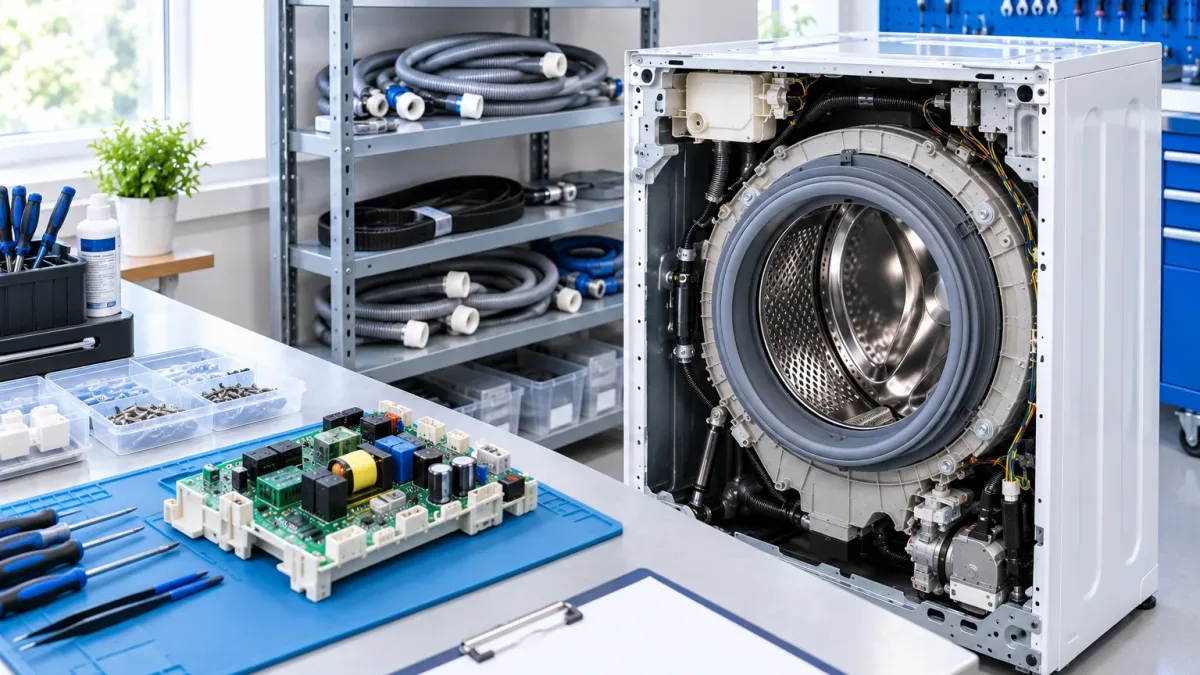
Home appliances
Washing machines, fridges, small appliances: intake, diagnostics, repair and handover.
Read more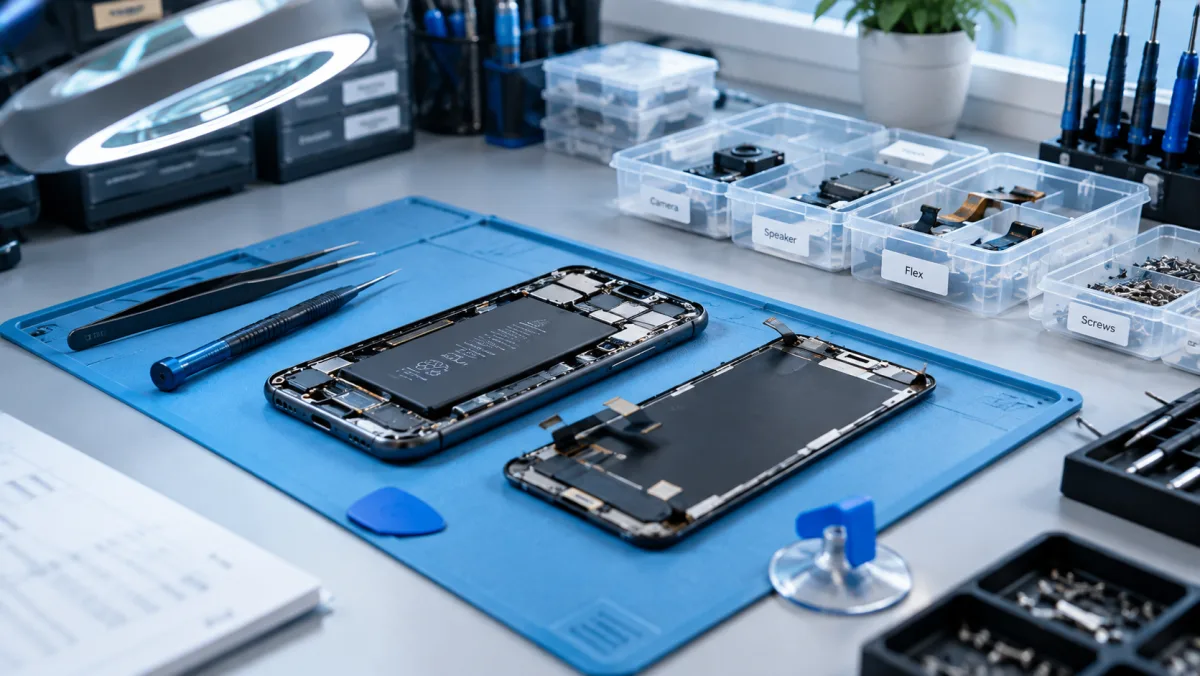
Phone repair
High volume of small jobs: fast intake, status for the customer, screens and batteries in stock.
Read more
Computer repair
Laptops and desktops: diagnostics, quotes agreed with the customer, parts and deadlines.
Read more
Authorised service
Warranty jobs at the brand price list, work certificates, reports for the manufacturer.
Read moreWhat the software does
Everything you need every day — and nothing you do not.
Intake form
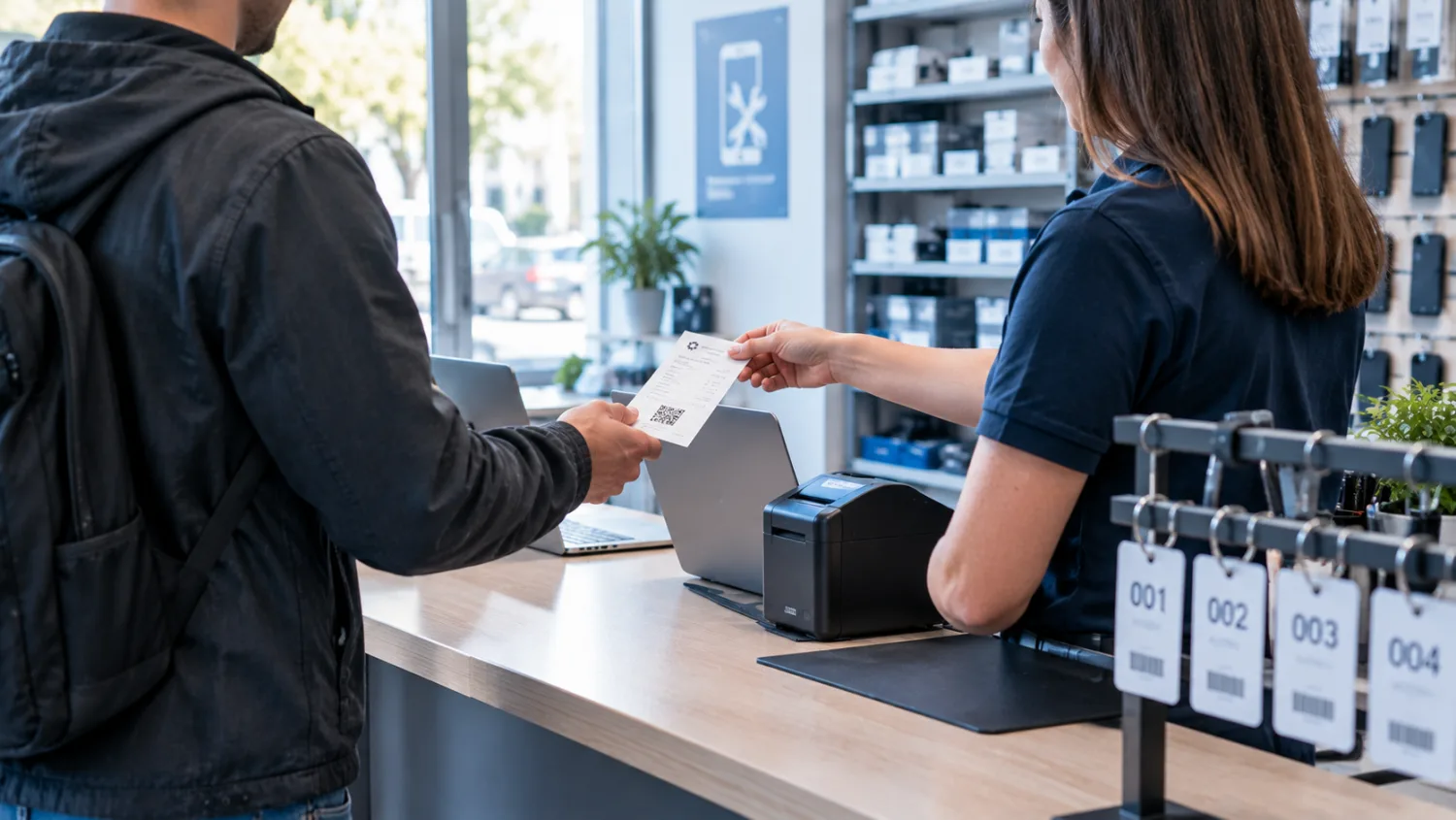
Device, fault, accessories, condition, customer — and the intake form printed on your own letterhead.
Read moreRepair workflow
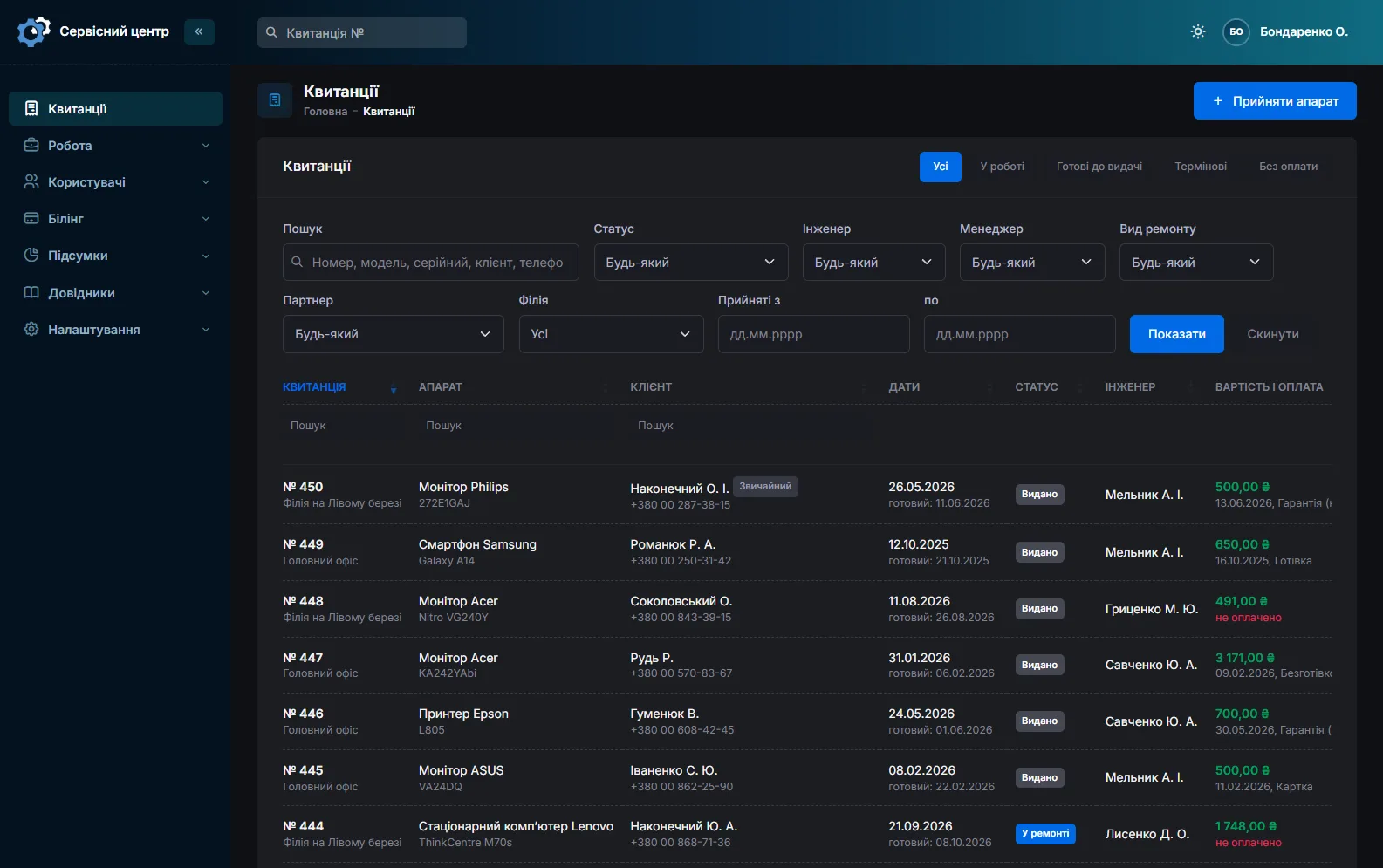
Statuses, work log, technician and manager, price, payment and the completed-work certificate.
Read moreSpare parts
Stock per branch: what came in, at what price and where it went, part orders for a specific job.
Read moreCustomer notifications
An email when the repair is ready, plus a portal where customers check the status themselves.
Read moreReports and statistics
Jobs taken, done and handed over; output per technician and manager, amounts and profit.
Read moreBranches and access
Several workshops in one database, permissions per section, separate access for customers.
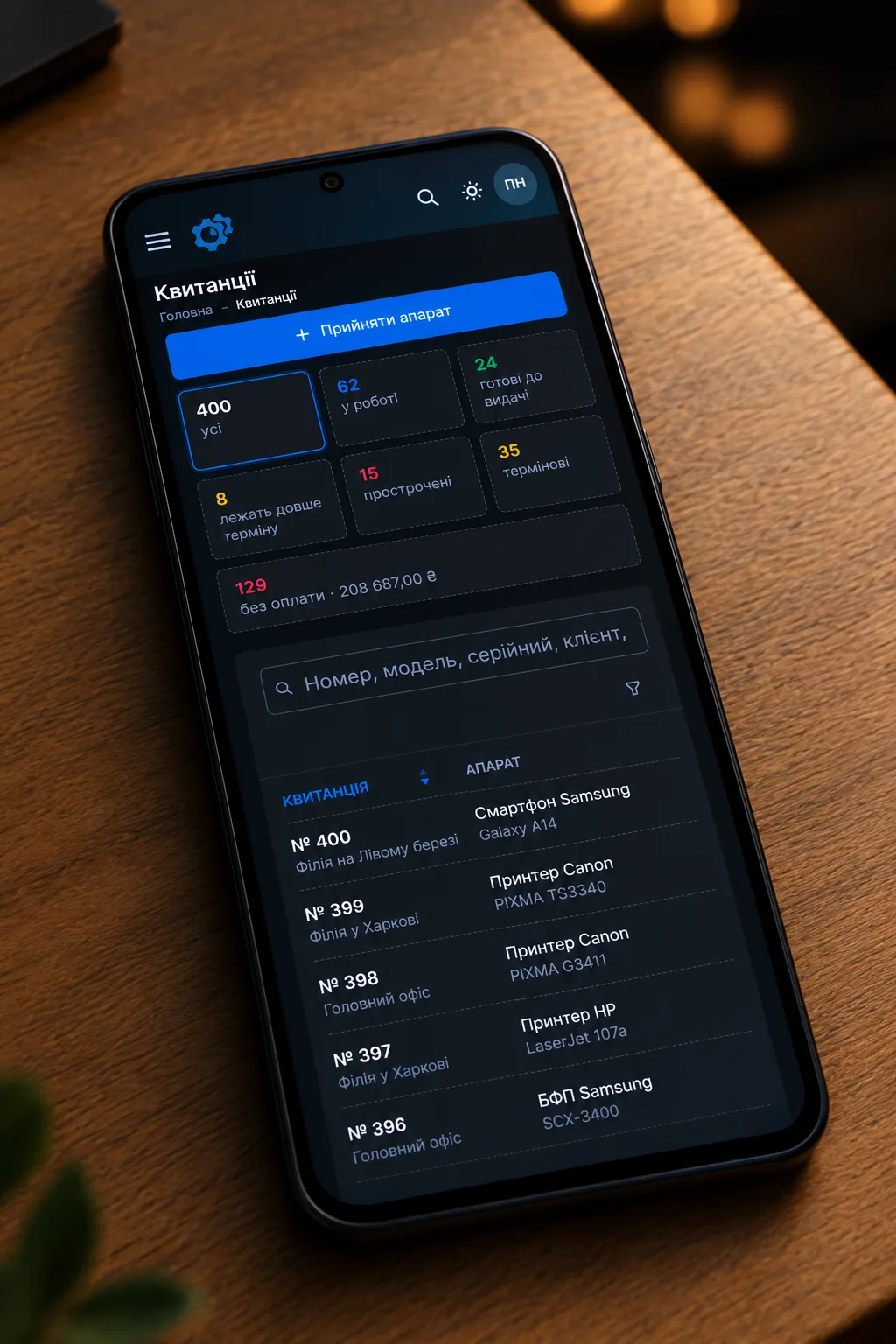
Read moreLight and dark theme
The front desk by the window in daytime and the technician at the bench in the evening use the same software, but each picks the theme that suits them. Dark does not glare in dim light and is easier on the eyes over a long shift.
One icon in the header switches it, and each computer and phone remembers its own choice.
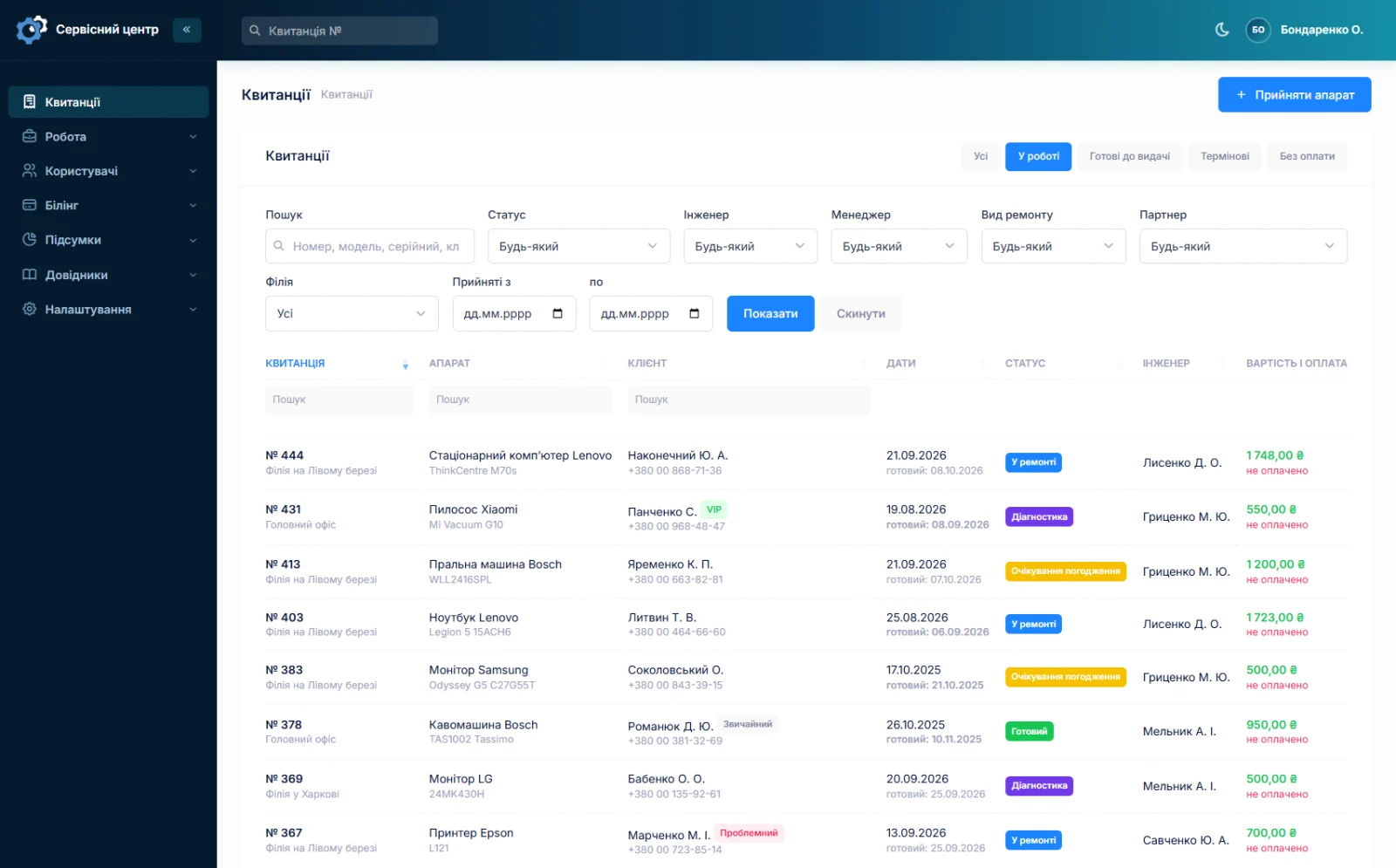
A working day inside the software
Everything that happens to a device is written down — nothing has to be remembered at the front desk.
- A device is taken in — the form is printed and the customer leaves with a number.
- A technician starts work — the status changes and the customer can see it.
- A part is needed — the order is tied to the job and you know when it arrives.
- The repair is done — an email goes out, money and the certificate are recorded.
How to start
No installation on your computers, no server to set up.
Try the demo
Open the demo and create a repair job. It costs nothing.
Send a request
We open an address like your-shop.servicecentersoft.com with a database of your own.
Start working
Add your staff and reference data, then take in the first device. The data stays yours.
What it costs
A subscription per workshop. Updates, backups and support are included.
Off-the-shelf not enough — your own forms, roles, reports or workflow? We will build a program for you. How it works
What our clients say

We are very happy working with servicecentersoft.com: they built everything we asked for, even though our request was unusual, since we deal with medical devices. Everything was done precisely and on the agreed schedule. Thank you for the cooperation — we keep working together.

I tried the ServiceCenterSoft demo and came away with a good impression. The program is simple and easy to understand, yet it has everything you need for the job: customers, repairs, devices, spare parts, statuses and statistics.
I especially liked the dark theme and the responsive design — working from a phone is perfectly comfortable. Another plus is the instant search that works as you type, so you don't have to press a separate "Search" button every time.
You can tell the program was built specifically for service centers rather than being a generic CRM adapted for the repair business. The interface has no unnecessary frills; everything is logical and to the point.
A good, practical tool for the day-to-day work of a service center.

I liked that you get a free 14-day trial and that they are willing to handle my special requests — setting things up exactly the way I need them.
I also liked how payment works. You can simply pay the monthly fee by card online — basically the same as a regular Spotify subscription or any other service. No separate contracts to sign and no invoices to pay manually.
And there's no feeling of strict limits on the number of employees. One service center is one account, and inside it you can organize the work of your technicians and run several branches.
For me this is far more convenient than plans where you have to pay for every single user or keep counting how many employees are working today.

My business is fairly specific, so the program's standard features weren't enough — I needed my own custom fields, my own sorting options and search by additional parameters. The work completion certificate and the printed repair receipt also needed some changes to fit the way we work.
I contacted technical support. To be honest, I expected changes like these to take a long time, but everything was done within a single day. The team quickly understood exactly what we needed, suggested the right solution and did everything properly.
I'd especially like to mention the support: they get straight to the point, with no unnecessary bureaucracy, and they genuinely help instead of just sending you off to read the documentation.
For me this is a big advantage of the program: it isn't just sold "as is" — it can be adapted to how you actually work. Thanks to the team for the quick response and for treating the customer right.
Highly recommended!
Frequently asked
About the software
Do I need to install anything?
No. It runs in the browser on any computer, tablet or phone. Updates appear on their own; there is nothing to reinstall.
Can I move data from my old software?
Often yes. If the data can be exported to a spreadsheet or dumped from a database, we will estimate the work and move customers, devices and repair history. Tell us what you use now.
Pricing and payment
What does the software cost?
A subscription per workshop: monthly, or cheaper per year. Current amounts are on the pricing page. Custom work is charged separately, by the hour.
How can I pay?
By card online or by invoice. Ukrainian customers pay in hryvnia; customers from the European Union and CIS countries pay in euro. Paying by card is a subscription: the following periods are charged to the card automatically, we email a warning one day before each charge, and you can cancel at any time with a button in the software. If you pay by invoice, we email a reminder before the paid period ends.
What happens if I pay late?
There is no grace period: the software closes the day after the paid period ends. Your data stays put — pay and it opens the same day. Reminders come three days before and on the last day; a week before as well if you switch it on in your account. With a subscription, a warning one day before the charge comes instead.
Day-to-day use
Can a new front-desk person handle it?
Intake is one form and a print button. More complex sections can be hidden with permissions so a new employee sees only what they need. There is documentation, and we answer questions by email.
Technical questions
Who owns the data and where is it kept?
The data is yours. Every customer has a separate database; we keep it on our server, back it up daily and never use it for our own purposes. Details are in the privacy policy.
What if I have several workshops?
Branches share one database: each sees its own jobs and stock, while the owner sees everything together and can compare them. See branches and access.
Customers are used to signing the receipt. Will that stay?
Yes. The receipt prints on a plain A4 sheet, the customer signs it with a pen just like a paper one and takes their copy. There is no on-screen signature in the software — and most workshops don’t need one.
What if the internet goes down?
The software runs in a browser and will not open without internet. Mobile data from a phone often saves the day. As a last resort, keep a few blank forms at the counter (a ready-made form is on the intake receipt page): book the device in on paper, and when the connection is back, enter the repair in the software and print the customer a numbered receipt.
Can old entries from the paper log be moved over?
Not automatically — the software can’t read a handwritten log. Repairs still in progress are entered by hand, usually an evening’s work. Closed ones stay in the log as an archive; keep it for warranty returns.
Do I need a printer?
For the receipt and the work certificate, yes — any printer that prints A4. You can also show the document to the customer without printing: it opens on a phone and reads fine on screen.
See how it works
The demo is open — go in and try it. Ask us anything by email, Telegram or the form on this site.