Jewelry repair software
For jewelry repair benches and workshops: chain soldering, ring sizing, stone setting, rhodium plating. Description, weight and hallmark recorded at intake and signed for, metal as an estimate line, deposits, the envelope number in the safe, ready notices by email and Telegram.
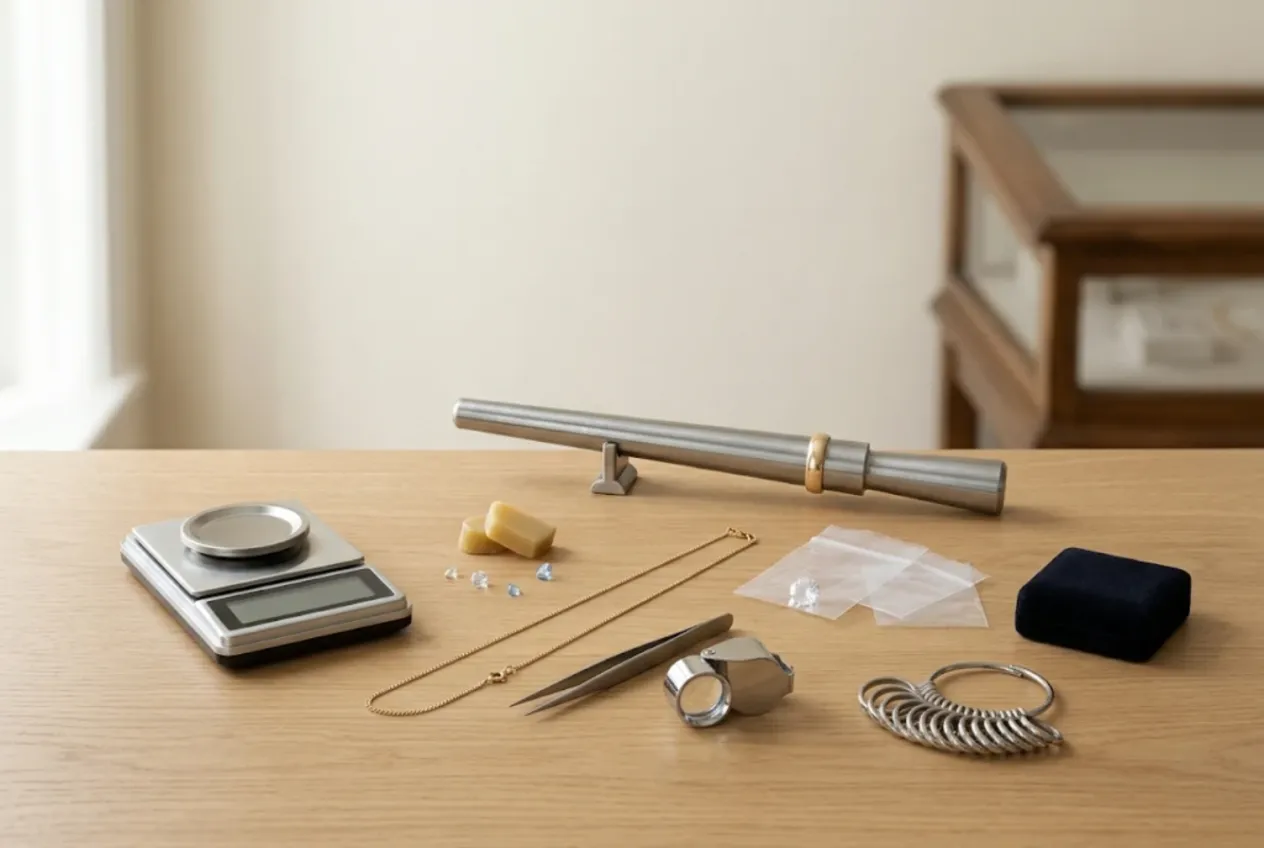
ServiceCenterSoft is repair-tracking software for jewelers who do repairs: independent bench jewelers, goldsmith workshops and the repair counter behind a jewelry store. Chain and bracelet soldering, ring sizing, clasp replacement, stone setting and tightening, rhodium plating, polishing and restoration all go through one intake form and one job list. It runs in the browser on any PC or phone.
Small items, high stakes
Jewelry repair is the only trade where the item fits in an envelope and may be worth more than the customer’s phone. A ring has no serial number. Two rope chains look the same to anyone but their owner. And a grandmother’s earrings are worth far more to the customer than their weight in gold. So the biggest risk is rarely the repair itself but the talk at collection: “there were more stones”, “the chain was heavier”.
Where it usually goes wrong:
- nobody wrote the weight down at intake, so there is nothing to show at pickup;
- a ring was sized up two sizes with added gold, and only the jeweler knows how many grams and at what price;
- a replacement stone was ordered, the customer changed their mind, and no deposit was taken;
- a deposit was paid, but the paper envelope does not say how much is still owed;
- forty envelopes in the safe, and the right one is found while the customer waits.
Intake: description, weight and hallmark, signed for
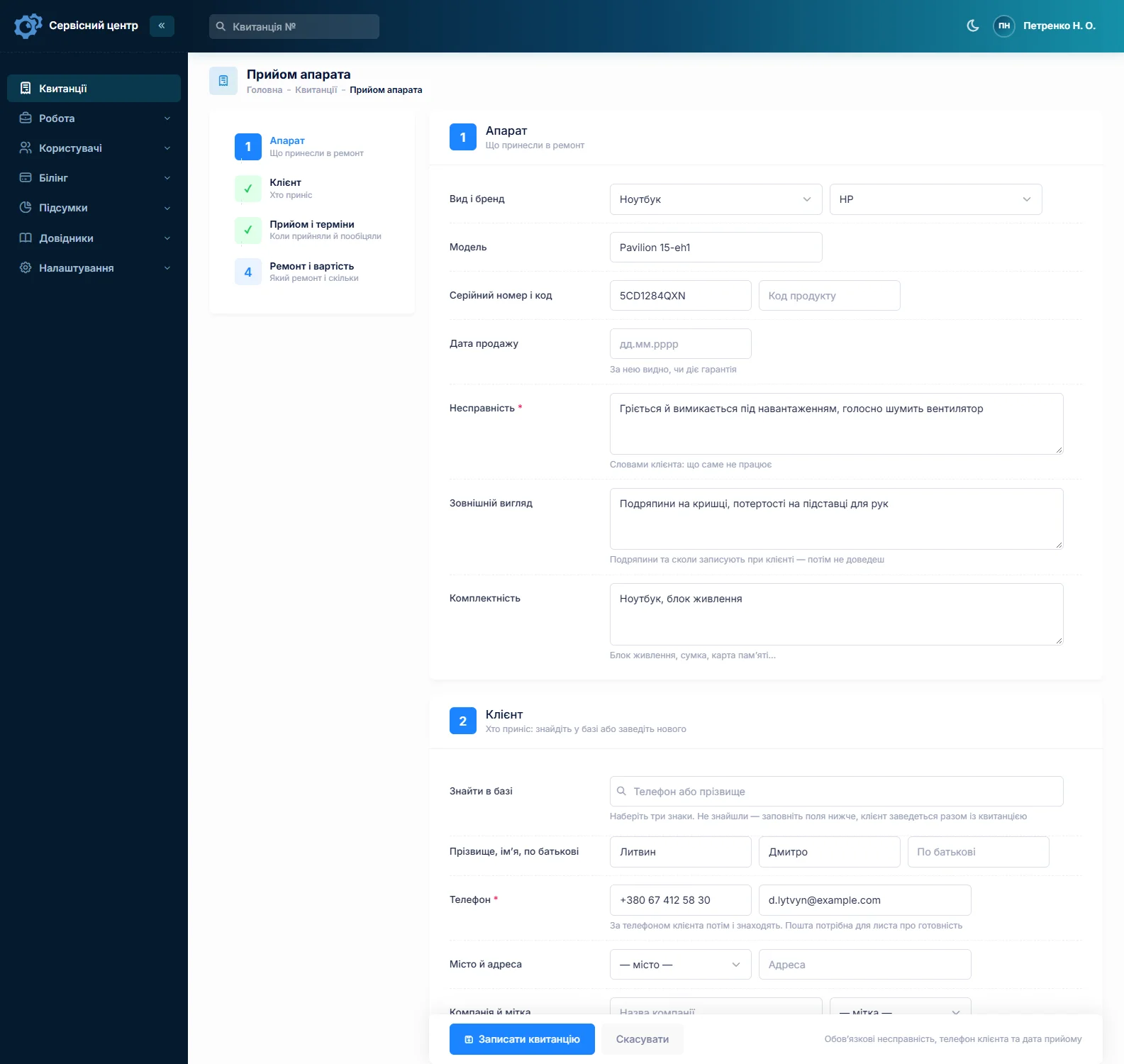
With no serial number, an item is identified by its description, so the description has to be specific and written with the customer present. Use “Model” for a short line: “ladies’ ring, 14k yellow gold”. Use “Condition” for everything that can be checked later: the hallmark as stamped, the weight on your scale, the number and color of stones, missing or loose stones, scratches, dents, a broken link, signs of earlier solder. For example: “stamped 14K, 3.42 g, one white center stone in prongs, six small stones on the shank, one small stone missing, shank worn thin underneath”.
There is no dedicated weight or hallmark field, and the software does not connect to a scale — you weigh the piece and type the weight in. What matters is that “Condition” prints on the job sheet the customer signs, so their signature sits under “3.42 g”. Record the karat as “as stamped”: unless you have tested the metal, your shop is not vouching that the stamp is genuine.
Use “Accessories” for the box, the store tag, a loose stone in its own bag, the second earring. More on what belongs on a good intake document on the repair intake form page.
Rings, chains, earrings — each with its own prices
The device list becomes your list of item types: ring, chain, bracelet, earrings, pendant, brooch. Each type has its own assessment and repair price. In the “Works” list you keep your standard jobs with prices: solder a link, size up or down one size, replace a clasp, set a stone, retip prongs, rhodium plate, polish, clean. Adding an estimate line, you pick a work and its name and price fill in.
A customer brings in a ring, a chain and an earring with a broken post — that is three jobs, each with its own description, weight, status and total. Fill in the first and copy it for the others; the customer and notes carry over. The ring can go home tomorrow and the chain next week. The customer card shows every job and any balance owed, and searching by phone number finds a regular in seconds.
Metal, solder and stones on the estimate
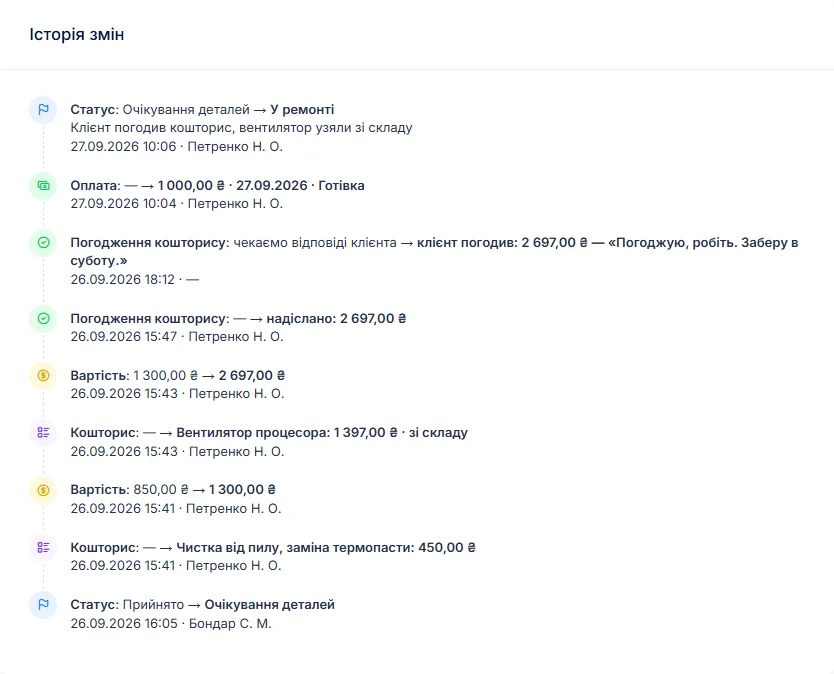
Added material is where jewelry repair pricing gets disputed. Sizing up a ring takes gold. Repairing a chain takes solder. A lost stone has to be replaced. In the software each of these is an estimate line with a quantity and a unit price. Quantities can be fractional, so “14k gold, g — 0.65 × price per gram” works, and the total adds up itself.
Write the weight at collection in the work log: “sized up 2 sizes — now 4.07 g, 0.65 g of 14k added”. The work log prints on the completion report together with the estimate and your recommendations, so the customer can see where the extra half gram came from. If a customer supplies their own scrap gold for the job, note it and its weight under “Condition” at intake.
When the job comes out higher than discussed, it moves to “awaiting approval” and the itemized estimate goes to the customer by email or Telegram. The link shows every line — labor, metal, stone — with “I agree” and “I decline” buttons, and the answer and date are kept in the job history.
Deposits
Most jewelers take a deposit before ordering a stone or buying metal for a job. A job can take several payments: a deposit at intake and the balance at pickup. The software shows what has been received and what is still due, and the “unpaid” filter lists everything collected but not paid. Customers cannot pay online through the software — you take payment as you do now and record it here.
Keeping track of valuables
The software does not manage safe locations, but it saves you searching. Put the envelope or tray number in the technician’s notes: the customer never sees that field, and the number is right there on the job. A good habit is an envelope labeled with the job number, carrying the same description as the job sheet.
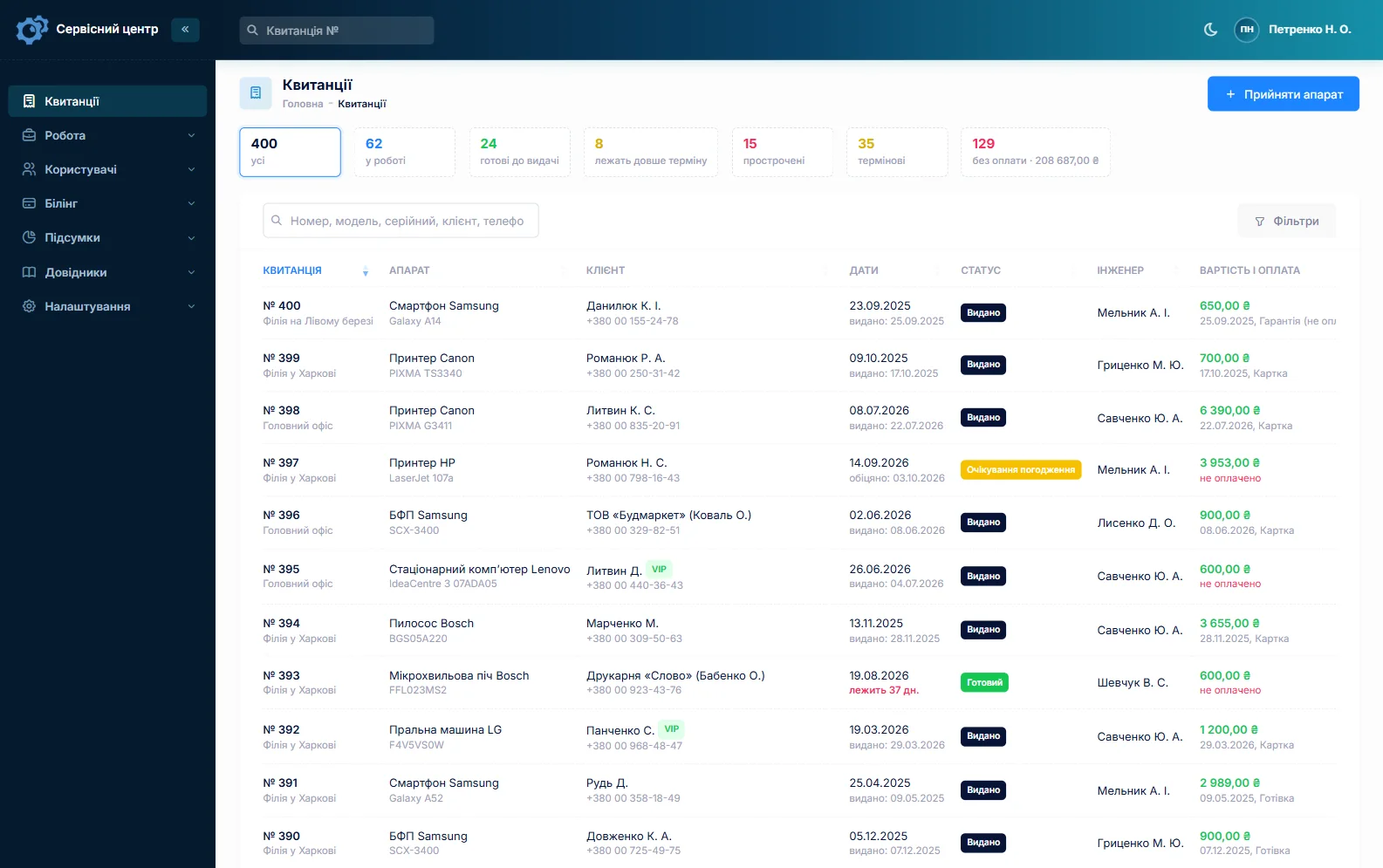
If some work goes out — to a setter, an engraver, a plater — create your own statuses such as “At the setter”, “Waiting for stone” or “Out for plating”, and the tiles above the list show how many items sit at each step. A stone can be ordered straight from the job: the order is emailed to your supplier and you can see which jobs are waiting. Every job has a promised date, and overdue jobs turn red. A wedding band needed by Saturday gets the “urgent” flag.
When a piece is ready, the customer gets an email or a Telegram message. Finished items show how many days they have been waiting; once your free storage period is over, the counter turns red and the “past free storage” tile gathers them. Every uncollected envelope is someone else’s gold in your safe.
Stock: clasps and findings
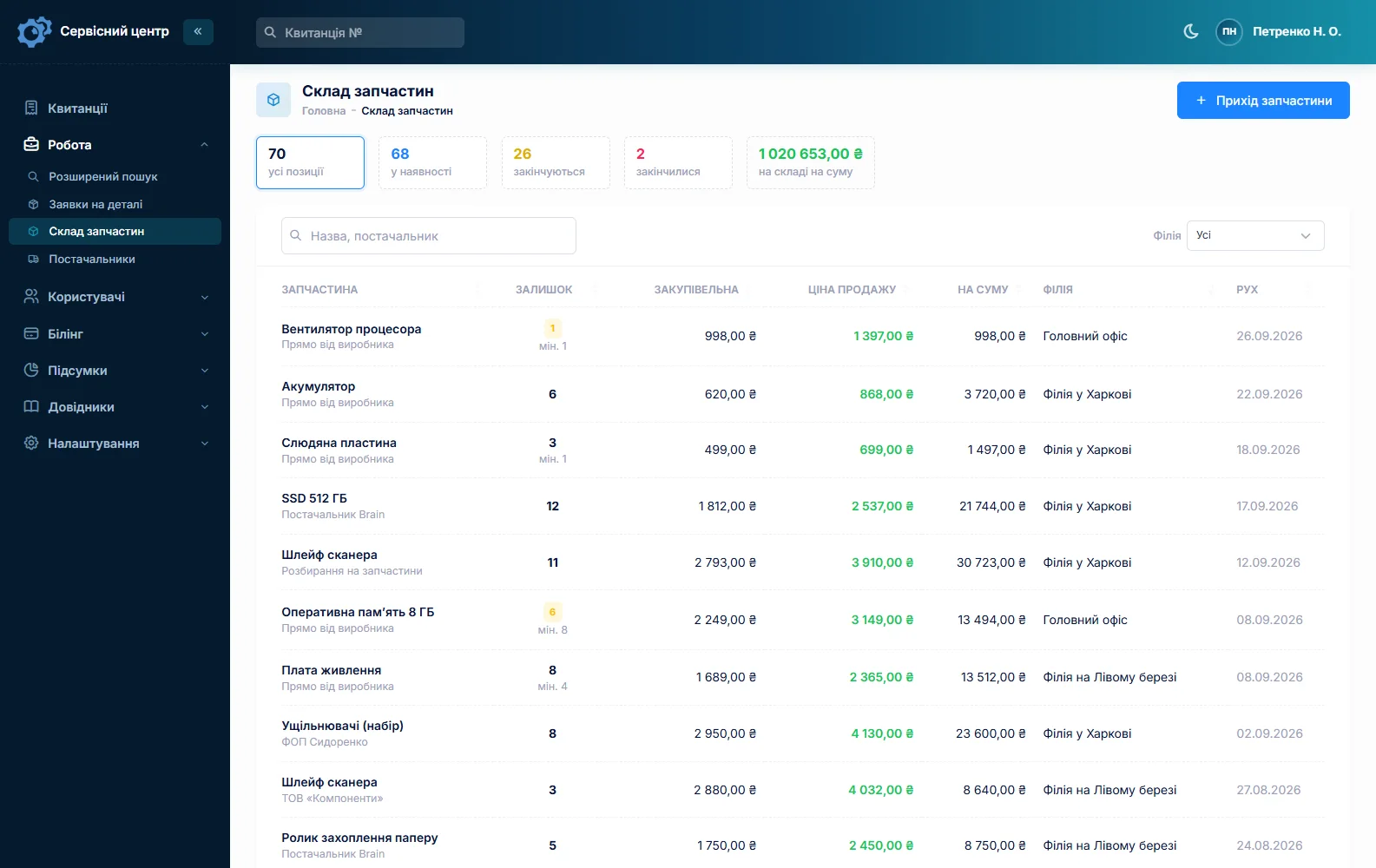
Stock is a movement journal: receipts with cost price and supplier, items used on a job as estimate lines, returns and stocktakes. Typical lines are lobster and spring-ring clasps, jump rings, earring backs and posts, ear wires, chains and cords for resale, and cleaning supplies. Adding an item to an estimate lowers the quantity on hand, and a minimum level with the “running low” tile reminds you to reorder. Stock quantities are whole numbers, so metal by the gram is not kept in stock — it goes on the estimate instead. More on spare parts tracking.
Watches, terms and small shops
Many jewelers also handle watches — batteries, bracelet adjustments. That has its own page: watch repair software. Your intake terms — karat recorded as stamped, weight as measured on the shop scale, how many days of storage are free — are wording you set yourself on the printed job sheet, edited under “Print forms”. If it is just you at the bench, see software for a small repair shop.
About the rules
Working with precious metals and stones, hallmarking and taking items in for repair are regulated, and the requirements depend on your country and state. The repair-tracking software does not check any of that: it keeps what you wrote down and prints it on your documents.
What repairs typically cost
A rough guide only — prices depend on location, metal and complexity, and metal and stones are extra: cleaning and polishing €15–40, chain solder €15–45, ring sizing €30–90, clasp replacement €20–50 plus the clasp, stone setting €20–80, rhodium plating €30–70, restoration by quote. You set your own prices in item types, the “Works” list and estimate lines.
What it does not have
- dedicated weight and hallmark fields or a scale connection — weight and karat are typed as text;
- photos or file attachments on a job;
- safe location management or metal by the gram in stock;
- SMS, a mobile app, or online payment by the customer;
- integrations with suppliers.
What it costs
One price for the whole workshop — no extra charge for staff or branches.
Monthly
Paid every month, cancel whenever you like.
Yearly
Cheaper than paying monthly. Invoice or card payment.
Custom work
Changes tailored to the way you work — hourly, by agreement.
Off-the-shelf not enough — your own forms, roles, reports or workflow? We will build a program for you. How it works
Try it without signing up in the demo: book in a ring with its description and weight, add a sizing job and a line of metal in grams to the estimate, and record a deposit.

We are very happy working with servicecentersoft.com: they built everything we asked for, even though our request was unusual, since we deal with medical devices. Everything was done precisely and on the agreed schedule. Thank you for the cooperation — we keep working together.

I tried the ServiceCenterSoft demo and came away with a good impression. The program is simple and easy to understand, yet it has everything you need for the job: customers, repairs, devices, spare parts, statuses and statistics.
I especially liked the dark theme and the responsive design — working from a phone is perfectly comfortable. Another plus is the instant search that works as you type, so you don't have to press a separate "Search" button every time.
You can tell the program was built specifically for service centers rather than being a generic CRM adapted for the repair business. The interface has no unnecessary frills; everything is logical and to the point.
A good, practical tool for the day-to-day work of a service center.

I liked that you get a free 14-day trial and that they are willing to handle my special requests — setting things up exactly the way I need them.
I also liked how payment works. You can simply pay the monthly fee by card online — basically the same as a regular Spotify subscription or any other service. No separate contracts to sign and no invoices to pay manually.
And there's no feeling of strict limits on the number of employees. One service center is one account, and inside it you can organize the work of your technicians and run several branches.
For me this is far more convenient than plans where you have to pay for every single user or keep counting how many employees are working today.

My business is fairly specific, so the program's standard features weren't enough — I needed my own custom fields, my own sorting options and search by additional parameters. The work completion certificate and the printed repair receipt also needed some changes to fit the way we work.
I contacted technical support. To be honest, I expected changes like these to take a long time, but everything was done within a single day. The team quickly understood exactly what we needed, suggested the right solution and did everything properly.
I'd especially like to mention the support: they get straight to the point, with no unnecessary bureaucracy, and they genuinely help instead of just sending you off to read the documentation.
For me this is a big advantage of the program: it isn't just sold "as is" — it can be adapted to how you actually work. Thanks to the team for the quick response and for treating the customer right.
Highly recommended!
In short
- Description, weight and hallmark as stamped — on the job sheet the customer signs.
- One job per piece; several pieces from one customer by copying.
- Labor, metal by the gram and stones as estimate lines.
- Deposit and balance as separate payments.
- Envelope number in the technician’s notes, custom statuses for setting and plating.
- Ready notices by email and Telegram, storage day counter.
- €20 a month for the whole workshop.
See also
Motorcycle repair shop software
For shops that service and repair motorcycles, scooters, mopeds and ATVs: a spring rush with promised dates, mileage and services in the work log, parts ordered per bike with a deposit, winter storage as a custom status, and delivery fleets and rental firms as business customers.
Read moreShoe repair software
For cobbler shops and bag repair counters: a steady stream of small jobs, one ticket per pair, deposits on bigger work, a day counter for uncollected items, and stock of heel tips, glue and zips.
Read moreStarting your own repair shop: where to begin
For people who can fix phones and laptops and want to work for themselves: what a small repair business needs on day one, the paperwork that protects you from the first customer, and how to run a shop in a country whose language is not your own.
Read moreSee how it works
The demo is open — go in and try it. Ask us anything by email, Telegram or the form on this site.